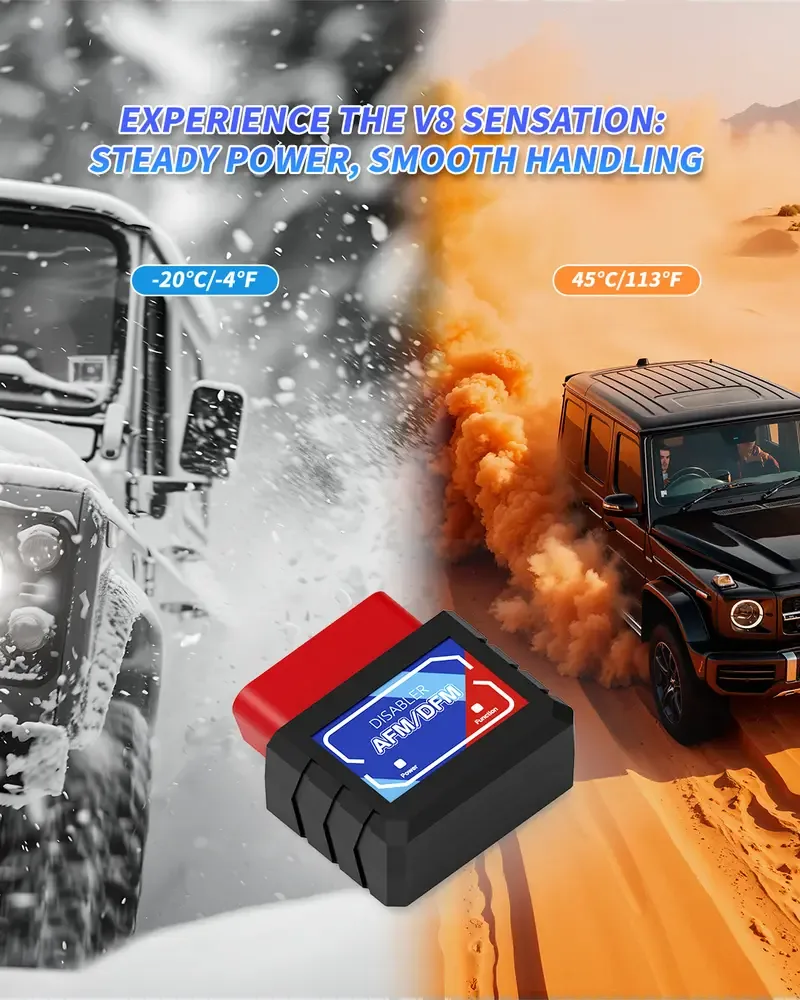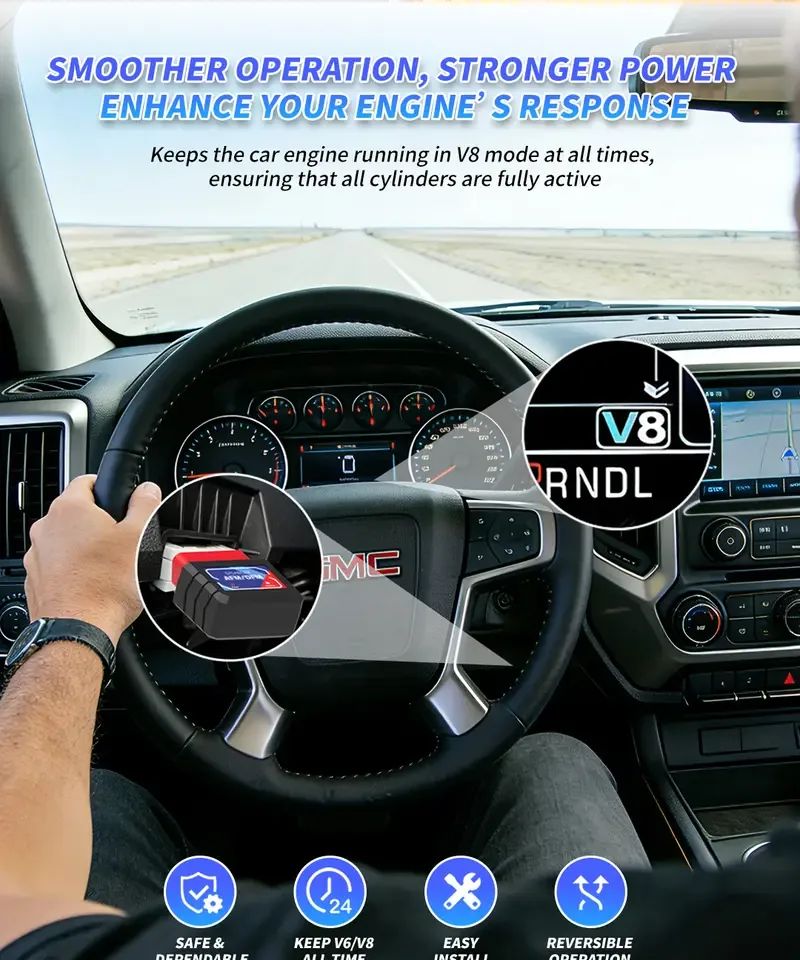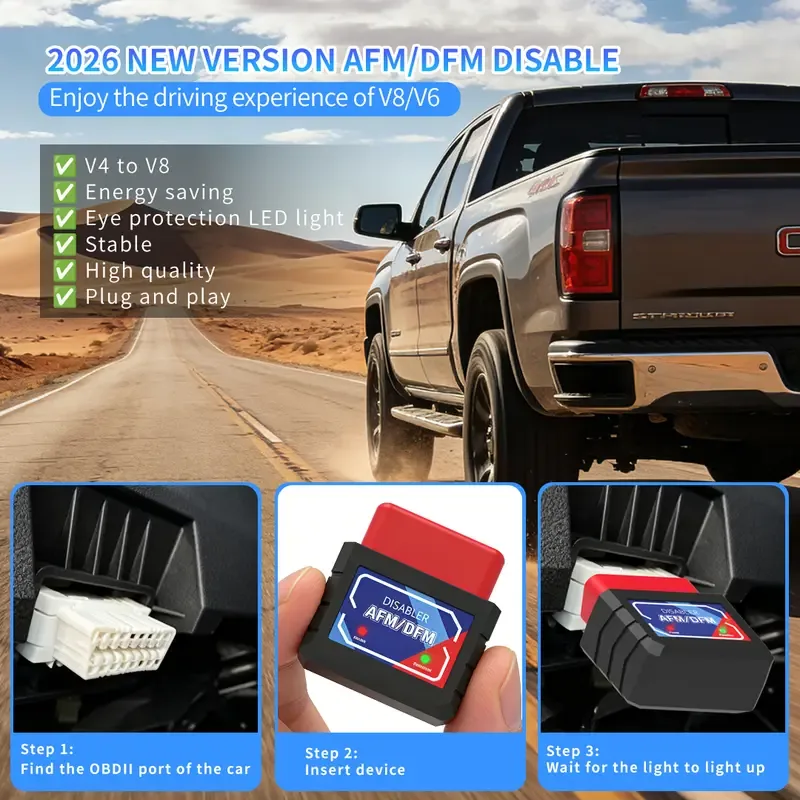
- Installation takes seconds: engine off, plug the disabler into the OBD-II port under the driver-side dash, start the engine.
- Confirm it works by watching the indicator lights and checking that the dash no longer shows 4-cylinder / V4 mode while cruising.
- Most 'not working' cases come from an unsupported engine, a loose connection or a blown fuse feeding the OBD-II port.
- Unplug the disabler before using a scan tool, before emissions inspections or dealer service, then plug it back in.
A plug-in AFM/DFM disabler is one of the easiest upgrades a GM truck owner can make: no tools, no tuning software and no engine work. Still, a clear installation guide prevents most support questions and returns. This step-by-step guide covers what to check before you start, how to install the disabler, how to confirm it is working and how to troubleshoot the most common issues. Sellers can share it with customers or adapt it for their own product listings.
Before you start: three quick checks
- Confirm the engine has AFM or DFM. The disabler only works on engines with cylinder deactivation. Check the compatibility list or confirm with your VIN.
- Check the engine is healthy. If the engine already has a ticking lifter, misfire codes or a flashing check-engine light, have it inspected first. A disabler prevents switching; it does not repair damage.
- Remove other OBD-II devices. Tuners, insurance trackers or Bluetooth scanners should be unplugged — the disabler needs the OBD-II port to itself.
Where is the OBD-II port on GM trucks and SUVs?
On Silverado, Sierra, Tahoe, Suburban, Yukon, Escalade and most other GM vehicles, the 16-pin OBD-II port is under the dashboard on the driver's side, usually to the left of the steering column near the hood-release handle. It is a trapezoid-shaped socket that faces down or toward the driver's knees. A flashlight helps on newer trucks where the port sits higher behind the lower dash panel.
Step-by-step installation
| Step | What to do | Tip |
|---|---|---|
| 1 | Turn the engine off and remove the key or switch the ignition off | Installing with the engine off avoids communication errors |
| 2 | Line up the disabler with the OBD-II port and push it in firmly | The plug only fits one way — do not force it upside down |
| 3 | Start the engine and wait a few seconds | The power and function indicators light up |
| 4 | Check the indicator lights | See the included manual for what each light pattern means |
| 5 | Take a short test drive at steady cruising speed | On trucks that display it, the dash should no longer switch to 4-cylinder mode |
That is it — there is nothing to program. With a model that has zero battery drain and Auto Start/Stop memory, such as our 2026 AFM/DFM Disabler, the unit can stay plugged in permanently.
How to confirm the disabler is working
- Indicator lights: check both the power and function indicators after the engine starts.
- Driver information center: many GM trucks can show the active cylinder mode ("V8 mode" / "4-cylinder mode" or a fuel-economy page). While cruising lightly, it should stay in V8 mode.
- Feel and sound: owners usually notice smoother light-throttle response and a consistent exhaust note, with no shudder when the engine would normally switch modes.
- Instant fuel economy: a small drop in highway fuel economy compared with before is normal, because all cylinders are now working.
Troubleshooting common problems
| Problem | Likely cause | What to do |
|---|---|---|
| No lights at all | Loose connection or no power at the OBD-II port | Re-seat the plug firmly. If still dark, check the fuse that powers the OBD-II port and accessory outlets (see the owner's manual). |
| Power light on, function light off | Engine not started yet, or vehicle not supported | Start the engine and wait. Confirm the engine has AFM / DFM using the compatibility list or VIN. |
| Still switches to V4 mode | Unsupported engine, or another device or tune is interfering | Remove other OBD devices, unplug and re-insert the disabler with the engine off, then restart. |
| Check-engine light after install | Old stored code, or an existing engine issue | Unplug the disabler, read the codes with a scanner and fix any real fault. Then reinstall. |
| Disabler falls out or feels loose | Worn or recessed OBD-II port | Make sure it is fully seated; a short OBD-II extension cable can help on hard-to-reach ports. |
Tip for sellers: include a printed quick-start card with these five troubleshooting rows in every box. It answers most customer questions before they become support tickets or returns.
When to unplug the disabler
- Using an OBD2 scanner — unplug the disabler, read or clear codes, then plug it back in.
- Emissions or safety inspections — inspection stations connect to the OBD-II port, so remove the disabler first.
- Dealer service or software updates — return the vehicle to factory behavior before a dealer visit.
- Selling the vehicle — simply unplug it; nothing has been changed in the engine or ECU.
Installation tips for different vehicles
The process is the same across supported vehicles, but a few practical tips help:
- Full-size trucks and SUVs (Silverado, Sierra, Tahoe, Yukon): the port is easy to reach under the lower dash, left of the steering column.
- Cars and crossovers (Camaro, Impala, Enclave, Acadia): ports can sit deeper behind trim panels — use a flashlight and make sure the plug is fully seated.
- Older models (2005–2009): confirm the specific engine has AFM; not every engine option in these years used cylinder deactivation.
Need help confirming fitment or want wholesale pricing? Contact our team with the year, model and engine size.
Frequently asked questions
How long does it take to install an AFM disabler?
Usually under a minute. Plug it into the OBD-II port with the engine off, start the engine and check the indicator lights. No tools or programming are needed.
Do I need to disconnect the battery?
No. Installation is plug-and-play and does not require disconnecting the battery or clearing any settings.
Can I leave the disabler plugged in all the time?
Yes, if it has a low-power sleep mode. Our 2026 edition sleeps when the engine is off, so it will not drain the battery.
Why does my truck still go into V4 mode?
The most common reasons are an engine without AFM / DFM, a loose connection or another OBD device or tune interfering. Re-seat the disabler with the engine off and check fitment with your VIN.
Factory-direct pricing, samples and private label from 1,000 pcs.